MagisTV Login Problems – Complete Troubleshooting Guide
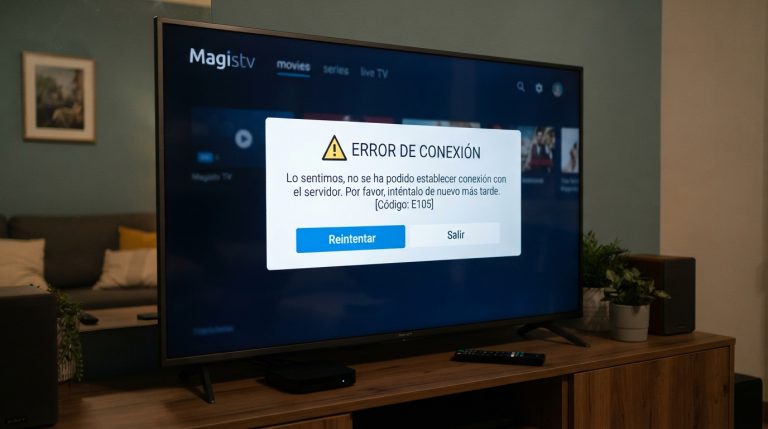
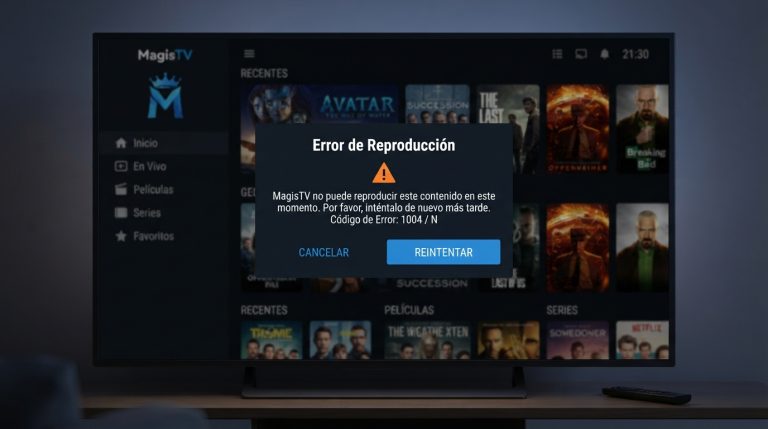
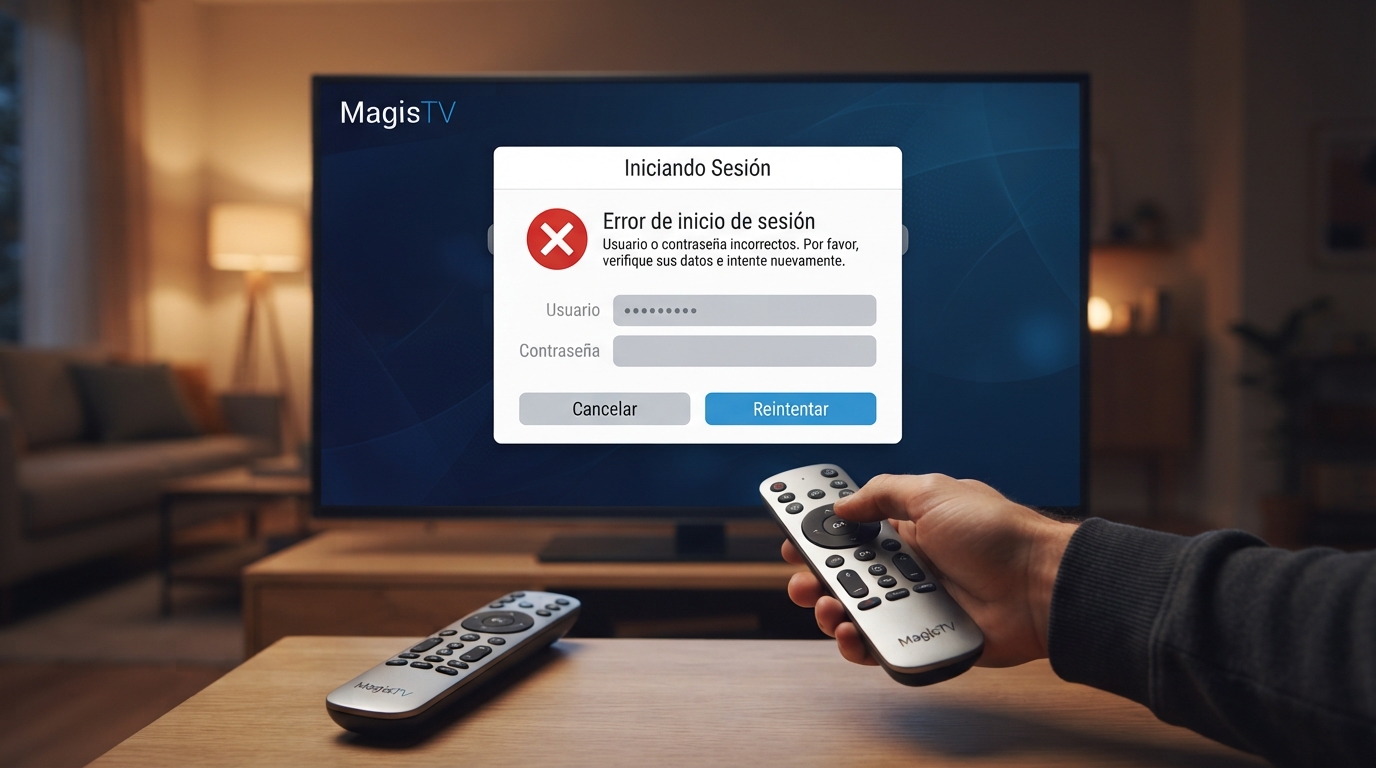
If you’re unable to log in to MagisTV, you’re not alone. Many users experience login issues such as incorrect username or password errors, failed authentication, endless loading screens, or the app refusing to sign in. These problems can usually be fixed by checking your account details, internet connection, app version, and device settings. This guide covers the most effective solutions to help you regain access to your MagisTV account.
Common Reasons for MagisTV Login Problems
Login issues can occur for several reasons, including:
- Incorrect username or password
- Poor internet connection
- Outdated MagisTV version
- Corrupted app cache or data
- Account linked to too many devices
- Temporary server issues
- VPN or proxy interference
- Expired subscription or account issues
Identifying the cause will help you resolve the problem more quickly.
Check Your Internet Connection
A stable internet connection is required for authentication.
Try these steps:
- Switch between Wi-Fi and mobile data.
- Restart your Wi-Fi router.
- Run an internet speed test.
- Make sure other online apps are working.
A weak connection can prevent MagisTV from communicating with its login servers.
Verify Your Login Credentials
Double-check that you’re entering the correct email address or username and password.
Make sure:
- Caps Lock is turned off.
- There are no extra spaces before or after your credentials.
- You’re using the correct account associated with your subscription.
Entering incorrect credentials is one of the most common reasons for login failures.
Reset Your Password
If you’ve forgotten your password, use the password recovery option or contact MagisTV support for assistance. The official FAQ also states that password-related issues can be resolved through their support channels if you cannot recover your credentials yourself.
After resetting your password:
- Sign in with the new password.
- Save your credentials securely.
- Avoid repeated incorrect login attempts.
Update MagisTV to the Latest Version
Older versions of MagisTV may no longer communicate properly with the latest authentication servers.
Updating the app provides:
- Bug fixes
- Better login stability
- Improved security
- Enhanced compatibility with Android
Using the latest version helps prevent many account-related problems.
Clear MagisTV Cache
Corrupted cache files may interfere with the login process.
To clear the cache:
- Open Settings.
- Go to Apps.
- Select MagisTV.
- Tap Storage.
- Choose Clear Cache.
Restart the app and try signing in again.
Clear App Data
If clearing the cache doesn’t work, reset the app’s data.
Steps:
- Open Settings.
- Navigate to Apps.
- Select MagisTV.
- Tap Storage.
- Select Clear Data.
This removes saved login information, so you’ll need to enter your credentials again.
Restart Your Android Device
Temporary system errors can prevent apps from authenticating properly.
Restart your device by:
- Holding the Power button.
- Selecting Restart.
- Waiting for the phone to boot.
- Opening MagisTV again.
A fresh restart often resolves temporary software issues.
Disable VPN or Proxy
Some VPN services can interfere with the login process.
Try:
- Disconnecting your VPN.
- Disabling any proxy settings.
- Reopening MagisTV.
- Attempting to sign in again.
If the login succeeds, the VPN was likely causing the problem.
Check If Your Account Has Reached the Device Limit
MagisTV limits the number of devices that can be linked to an account. If you exceed the allowed limit, you may not be able to log in on another device until the account is reset. According to the official FAQ, you’ll need to contact support if you’ve reached the maximum number of linked devices.
Verify Your Subscription Status
If your subscription has expired, the app may deny access even if your login credentials are correct.
Check:
- Your subscription expiration date.
- Payment status.
- Account activation status.
If necessary, renew your subscription before trying again.
Check MagisTV Server Status
Sometimes login problems are caused by server maintenance or temporary outages.
If many users are reporting similar issues, wait for a while and try signing in later.
Reinstall MagisTV
Corrupted installation files can prevent successful authentication.
To reinstall:
- Uninstall MagisTV.
- Restart your Android device.
- Install the latest APK.
- Open the app.
- Sign in with your account.
A fresh installation often resolves persistent login issues.
Check Date and Time Settings
Incorrect system time can interfere with secure authentication.
To fix this:
- Open Settings.
- Go to Date & Time.
- Enable Automatic Date and Time.
- Restart MagisTV.
Accurate system time helps establish secure connections.
Update Your Android System
Running an outdated Android version can create compatibility issues.
To update:
- Open Settings.
- Tap System.
- Select Software Update.
- Install available updates.
- Restart your device.
Keeping Android updated improves both security and app compatibility.
Contact MagisTV Support
If you’ve tried every solution and still can’t log in, contact MagisTV support.
Include the following details:
- Your registered email address
- Android version
- Device model
- MagisTV version
- Screenshot of the login error
- Description of the issue
According to the official support information, they can assist with username and password problems, installation issues, and account-related questions.