Best Emulators to Use MagisTV on Windows
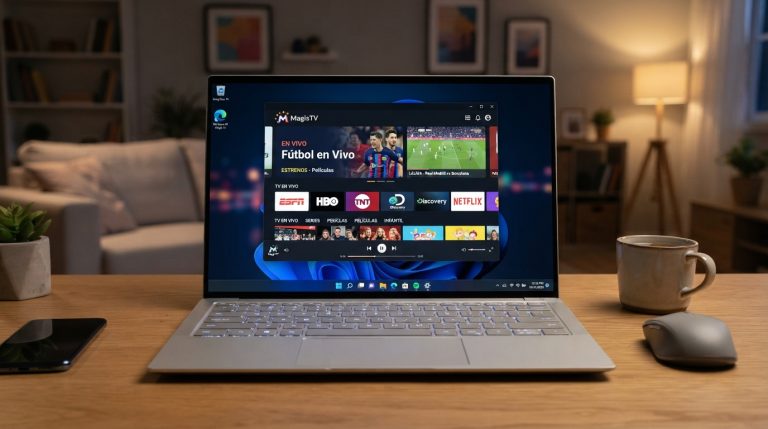
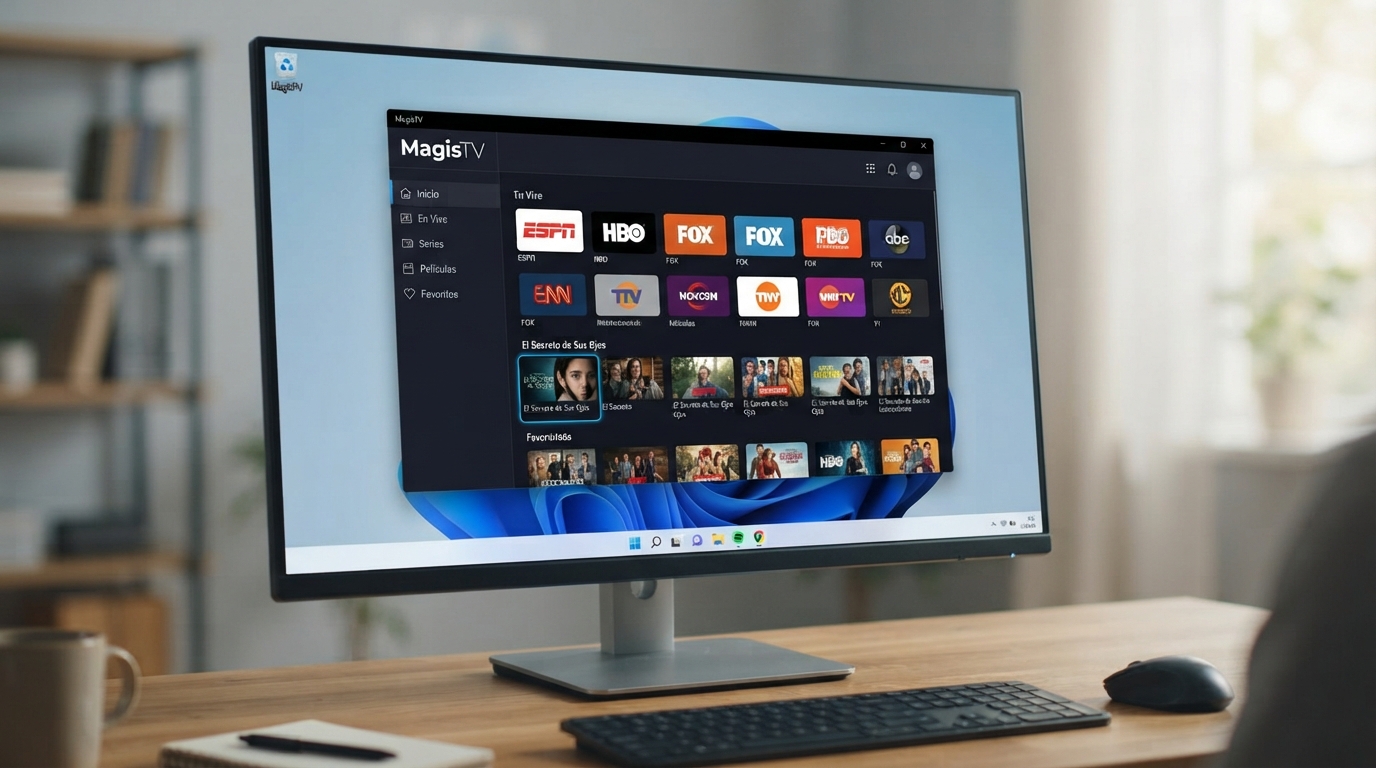
Since MagisTV doesn’t have an official native Windows application, you’ll need an Android emulator to run the APK on your PC. Choosing the right emulator can improve performance, reduce crashes, and provide a smoother streaming experience.
1. BlueStacks (Best Overall)
BlueStacks is one of the most reliable Android emulators for Windows and is an excellent choice for running MagisTV.
Pros
- Easy to install and use
- Excellent APK compatibility
- Smooth HD streaming
- Hardware acceleration support
- Frequent updates
Cons
- Uses more RAM than some alternatives
Best For: Most users looking for the easiest and most stable experience.
2. LDPlayer (Best Performance)
LDPlayer is lightweight and optimized for performance, making it a great option for streaming apps.
Pros
- Fast startup
- Lower RAM usage
- Smooth video playback
- Supports APK installation
- Simple interface
Cons
- Fewer productivity features than BlueStacks
Best For: Mid-range PCs and laptops.
3. MEmu Play
MEmu Play offers a good balance between speed and compatibility.
Pros
- Supports APK sideloading
- Good hardware acceleration
- Multiple Android instances
- Easy installation
Cons
- Interface may feel cluttered for beginners
Best For: Users who want a lightweight emulator with good customization.
4. NoxPlayer
NoxPlayer is another popular Android emulator that runs many Android apps smoothly.
Pros
- Stable performance
- Supports APK files
- Keyboard mapping
- Easy setup
Cons
- Can be slower on older computers
Best For: Casual users with reasonably powerful PCs.
5. Android Studio Emulator
Google’s official Android emulator is intended mainly for developers but can also run Android apps.
Pros
- Official Google emulator
- Supports the latest Android versions
- Highly customizable
Cons
- Complex setup
- Uses significant system resources
Best For: Developers and advanced users.
Which Emulator Should You Choose?
| Emulator | Performance | Ease of Use | Recommended For |
|---|---|---|---|
| BlueStacks | ⭐⭐⭐⭐⭐ | ⭐⭐⭐⭐⭐ | Best overall |
| LDPlayer | ⭐⭐⭐⭐⭐ | ⭐⭐⭐⭐ | Fast performance |
| MEmu Play | ⭐⭐⭐⭐ | ⭐⭐⭐⭐ | Lightweight PCs |
| NoxPlayer | ⭐⭐⭐⭐ | ⭐⭐⭐⭐ | General use |
| Android Studio | ⭐⭐⭐ | ⭐⭐ | Developers |
Recommended Choice
For most users, BlueStacks is the best emulator for MagisTV because it offers excellent compatibility, smooth video playback, and an easy installation process. If you have a lower-end PC or want a lighter alternative, LDPlayer is another excellent option that delivers strong performance with fewer system resources.